PRACTICE OPERATIONS / CHIROPRACTIC
Chiropractic Practice Management Software: What to Look for Before You Buy
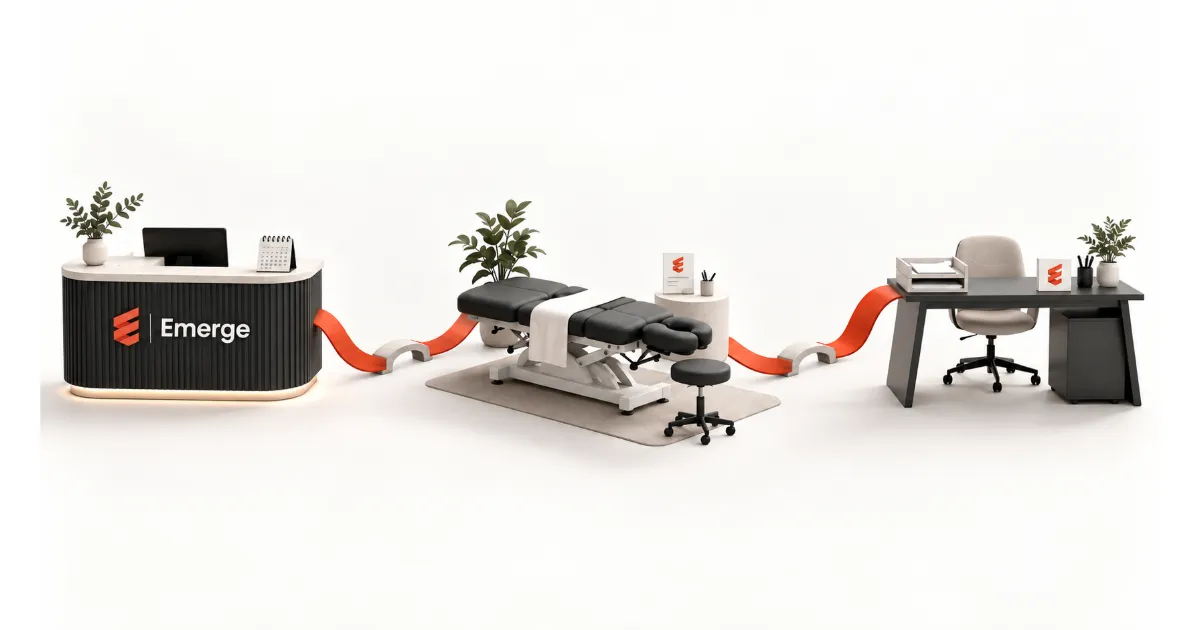
A polished demo can make every feature look easy. Follow one visit through your clinic—and see what happens between the screens.
Start where the work changes hands.
When you compare chiropractic practice management software, ask the vendor to follow one fictional patient from an inquiry through scheduling, EHR/EMR documentation, billing and follow-up. Then change something. Move an appointment. Leave a note unfinished. Ask for a billing correction. The useful question is what happens next—and who owns it.
You are choosing a system for a team. Your front desk, chiropractors and billing staff each see a different part of the day. A feature can look excellent on its own while the connection to the next task remains unclear.
Use the same scenario with every vendor. Keep a record of what you actually saw, what was only described and what still needs an answer. You will leave with evidence your team can compare, rather than three different memories of a good demo.
The test: follow one ordinary visit, then make one ordinary change.
This guide is an original evaluation framework for clinic owners and office managers. The scenarios are fictional; they are not customer results or a claim that every product handles these tasks the same way.
Bring a clinic scenario, not a feature wishlist.
Before the demo, spend a few minutes with the people who will use the system. Ask each person for a routine task and an exception that creates extra work. Choose a short sequence that crosses their roles.
Use fictional contact and patient information. If your clinic handles both cash payments and insurance claims, ask for separate examples of the relevant billing paths. Do not assume that a demonstration of one establishes the other.
Name your essential requirements before the presentation starts. For a growing group, that may include visibility across locations and role-specific access. For a single clinic, it may be a simpler handoff between the front desk and the treating provider. The software should be evaluated against your work, not the other way around.

Watch these four handoffs.
1. Inquiry → appointment
Ask the presenter to begin with a new inquiry. Who can see it? Where does the next follow-up live? When the person books, show what the front desk enters and what information carries into the appointment.
Then reschedule it. Ask what happens to any associated reminders, tasks or waiting-list activity. If those capabilities matter to your clinic, watch the specific behavior rather than accepting a checkmark on a feature list.
2. Appointment → EHR/EMR documentation
Have a chiropractor follow the visit from the schedule into the record. What information is already available? What must be entered again? How does the provider find previous notes, identify unfinished work and complete the current visit?
Ask to correct an entry. Watch how the correction is represented and who can make it. If AI-assisted documentation is shown, include the clinician’s review and correction step in the demonstration. A convincing first draft is only part of that workflow.
3. Documentation → billing
Bring the billing lead into this part of the conversation. Ask what moves from the visit into billing, what still needs review and what remains manual. If an external service or clearinghouse is involved, identify the connection and who supports it.
Now ask billing to request a missing detail. Where does the request appear? Who receives it? What tells the billing team that it has been resolved? Keep following the task until ownership is clear.
4. Checkout → the next visit
Finish the scenario at the front desk. If your chiropractic clinic books a sequence of visits within a care plan, ask the presenter to create a fictional sequence, then move one appointment. Does the change affect that visit alone or the remaining appointments? Show how staff distinguish the initial examination, follow-up visits and any planned re-examination. Your clinician determines the actual care plan; this exercise tests how the software represents it.
Be specific about any communication automation you need. Ask what triggers it, how staff can review or stop it, and what happens when a patient replies. “Automated follow-up” is a label; the demonstration should explain the actual sequence.
Test the exception before you trust the connection.
Once the normal path makes sense, interrupt it. Choose an exception your team recognizes rather than an elaborate edge case. A rescheduled visit or a request for clarification can help reveal whether the next person knows what to do.

Record each point where a staff member changes systems, copies information or checks with a colleague. An external tool is not automatically a problem. An unexplained handoff is a question to resolve.
Avoid treating the presenter’s speed as a benchmark for your team. They know the product. First establish the steps, responsibilities and exceptions. A hands-on session with your own staff can then test whether the workflow feels usable.
Compare the evidence while it is fresh.
Give each vendor the same requirements sheet. For every important task, record one of three evidence states: demonstrated, described only or unresolved. Add the screen or step you saw and the person who needs to follow up.
| Handoff | Ask to see | Capture in your notes |
|---|---|---|
| Inquiry to appointment | Create, book and reschedule | What transfers; what gets entered twice |
| Appointment to note | Open, complete and correct | Review steps; unfinished-work visibility |
| Note to billing | Send and resolve a clarification | Owner; status; remaining manual work |
| Checkout to next visit | Book, change and follow up | Trigger; staff oversight; next action |
| Team to support | Raise a realistic help request | Route; context needed; escalation owner |
Do not average away an essential unresolved requirement. A beautiful calendar does not answer a missing billing workflow. Keep critical questions visible until the person responsible for that task has an answer.
The worksheet is a discussion tool, not a vendor ranking or a certification. Your team decides which requirements matter and what evidence is sufficient.
Evaluate the switch as carefully as the software.
Ask the vendor to walk through the information your clinic needs to bring across: patient details, notes, appointments and any other records you identify as essential. Request a clear explanation of supported formats, exclusions and the sample-validation process.
Who checks the imported sample? What happens to information that does not transfer? How will staff access it? Keep those answers with your evaluation notes. A general promise to help with migration should become a specific plan before the switch.
Do the same for training. Ask how the front desk, clinicians and billing team will learn their own workflows, where they can ask questions and who owns unresolved setup issues. Ask about export options for the future, too.
ONC’s Health IT Playbook treats workflow assessment, selection and implementation as connected parts of choosing a system. Use that broader planning perspective alongside the product demonstration—not just the feature list. [1]
Two questions worth settling.
Is practice management software the same as an EHR/EMR?
The labels do not establish the full scope of a product. In this guide, practice management means the operational work around scheduling, communication, billing and running the clinic; EHR/EMR refers to the record and documentation side. Products may bring these functions together. Ask the vendor to demonstrate the specific connection you need.
ONC distinguishes the practice-focused medical record from the broader information-sharing scope associated with an electronic health record. That distinction is useful context, but an acronym alone does not verify a product’s capabilities. [2]
What should I ask if I only have time for one test?
Ask the presenter to complete a visit, then have billing request a correction. Follow the request back to its owner and forward again to resolution. This small exercise crosses roles and helps you identify what needs a closer look in a longer demonstration.
Bring your real questions to an eMERGE demo.
eMERGE brings EHR/EMR, Marketing CRM and Medical Billing into its clinic platform. Its published product information also lists scheduling, communication, workflow automation and support tools. [3]
Bring the workflow your team wants to see. Ask us to follow the handoffs, show the exceptions and identify what needs configuration for your clinic. The goal is a clear view of how your team would work—from the first visit to the end of the care plan.
Sources & editorial notes
- Electronic Health Records — Health IT Playbook
ONC · General selection and implementation planning; not evidence of eMERGE outcomes.
- EMR vs EHR — What is the Difference?
ONC · Terminology background; originally published in 2011, checked September 10, 2026.
- eMERGE product information
eMERGE · Product-category descriptions only; no savings, performance or certification claims adopted.
The demo framework and worksheet are original editorial tools. No customer outcomes or performance statistics are implied. Source links checked September 10, 2026.
Demo worksheet — print this checklist
Use the same scenario for each vendor. Record: demonstrated, described only, or unresolved. Print this section and keep your notes with the vendor name and demo date.
- Inquiry to appointment: create, book and reschedule.
Evidence state: ____________________
What happened and who owns the follow-up: ____________________ - Appointment to note: open, complete and correct.
Evidence state: ____________________
What happened and who owns the follow-up: ____________________ - Note to billing: request and resolve a clarification.
Evidence state: ____________________
What happened and who owns the follow-up: ____________________ - Checkout to next visit: create a visit sequence and move one appointment.
Evidence state: ____________________
What happened and who owns the follow-up: ____________________ - Migration: sample validation and exclusions.
Evidence state: ____________________
What happened and who owns the follow-up: ____________________ - Training and support: role-specific help and escalation.
Evidence state: ____________________
What happened and who owns the follow-up: ____________________