CLINIC OPERATIONS / PHYSICAL THERAPY
Physical Therapy EMR Software: A Clinic Buyer’s Checklist
Choose software around a course of care—not just a single appointment. Give your front desk, therapists and billing team a shared way to evaluate the fit.
Start with the work your clinic needs to see.
Physical therapy EMR software should help your team understand a patient’s record across an episode of care. When comparing systems, evaluate documentation, repeat scheduling, progress tracking, billing handoffs and access to information together. Ask each vendor to demonstrate your clinic’s requirements before deciding which product fits.
A therapist, front desk coordinator and clinic owner may describe different problems. The therapist wants to find the previous assessment. The front desk needs to change a series of visits. The owner wants to understand what remains unfinished. A useful evaluation gives each person time to test the work they own.
This checklist is an original buying framework. It does not prescribe treatment or establish payer requirements. Use fictional records during demonstrations and bring your clinic’s specific documentation and billing requirements to the discussion.
1. Follow an episode of care, not an isolated note.
Ask the presenter to create a fictional initial evaluation, then open a follow-up visit. Show how the therapist finds the initial findings, goals and earlier documentation without losing their place in the current note.
Next, ask how a change is recorded. Can the clinician distinguish information copied forward from information assessed today? How do they correct an entry and see what remains unsigned or incomplete? If AI-assisted drafting is offered, watch the clinician review and edit its output before the note is finalized.
Your team should decide which fields, templates and review steps it needs. A polished sample note does not prove that your documentation workflow is supported.
2. Put recurring appointments through a realistic change.
Give the front desk a short fictional series to schedule, then change one visit. Ask the presenter to show whether the change affects that appointment alone or the rest of the series.
Test the constraints that matter to your operation: therapist availability, location, visit type and any room or equipment requirements. Ask what happens when those constraints conflict. If you track visit limits or authorizations, request a demonstration of how staff enter, update and see that information; do not assume the calendar handles it automatically.
Finally, cancel an appointment. Show what happens to reminders, staff tasks and any waiting-list workflow. The goal is to understand who needs to act next.
3. Make progress information easy to find.
Choose one measure or goal your clinicians already use. Ask where it is entered and how a treating therapist reviews it over time. Then ask a second authorized team member to find the same information.
Separate three questions: what can be recorded, how it can be viewed, and what can be exported. A chart on a dashboard does not establish that your preferred measures or report formats are available.
For an integrated clinic, test how authorized colleagues distinguish their own documentation from shared information. Ask the vendor to explain permissions with named roles rather than a general promise of access control.
4. Have billing show its side of the record.
Ask a billing team member to follow a completed fictional visit into the next administrative step. What carries across? What needs review or re-entry? If a separate billing service or clearinghouse is involved, identify that connection and who supports it.
Now leave a required detail incomplete. Ask how billing flags it, how the therapist sees the request and how both people know it has been resolved. Evaluate the path for your payment arrangements; a cash-payment demonstration does not establish an insurance-claims workflow.
Request an itemized explanation of what is included in the software price and what requires a separate service, integration or configuration. Keep unresolved billing requirements visible before committing.
5. Treat migration and training as part of the purchase.
List the information your clinic needs to retain: records, attachments, future appointments and other operational data. Ask which items can be imported, in what format, and how your team will validate a sample before switching.
Agree who owns exceptions, how older information remains accessible and what export options you will have later. Request a training plan for the front desk, treating clinicians and billing team separately. Each role should practice its own tasks before the changeover.
Compare evidence while it is fresh.
Record each requirement as demonstrated, described only or unresolved. Add the evidence you saw and the person responsible for following up. An essential unresolved requirement deserves an answer, even if the rest of the demonstration looks strong.
Your shared demo worksheet
| Area | Ask to see | Reviewer |
|---|---|---|
| Documentation | Evaluation, follow-up and correction | Therapist |
| Scheduling | Create a series; move one visit | Front desk |
| Progress | Find an earlier measure and export it | Clinical lead |
| Billing | Resolve an incomplete visit detail | Billing lead |
| Migration | Validate sample records and exclusions | Owner and implementation lead |
Common buying questions
Does a physical therapy EMR replace scheduling and billing tools?
That depends on the product and configuration. Ask what is included, what is connected through another provider and what remains manual. Evaluate the complete workflow, not the product category alone.
How should a small clinic compare systems?
Start with essential tasks and use the same scenario for each vendor. Include the people doing the work, record unresolved questions and compare implementation requirements as well as subscription prices.
What should an integrated or multi-location clinic add?
Test role permissions, location changes and continuity when more than one authorized provider is involved. Have each team member find the information they need and verify how responsibilities remain visible across the organization.
Bring your physical therapy workflow to eMERGE.
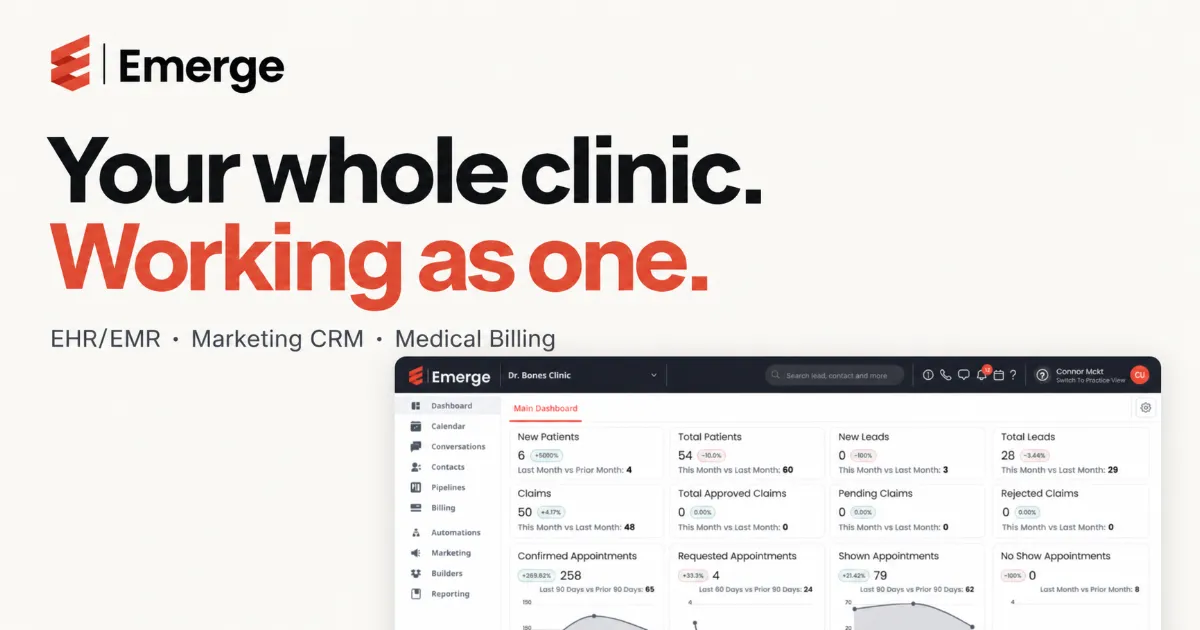
eMERGE brings EHR/EMR, Marketing CRM and Medical Billing into its clinic platform. Its published platform overview includes scheduling and communication tools. Ask our team to demonstrate the specific documentation, appointment and administrative workflows your clinic needs.
Bring one routine scenario and one exception. We can use those questions to discuss fit, configuration and the next steps for your practice.
Explore the platform · Contact our team · Read the broader EHR buyer’s guide